
I wouldn’t make it through my day without solid resources. Below are some of my favorites!
Desmos.com
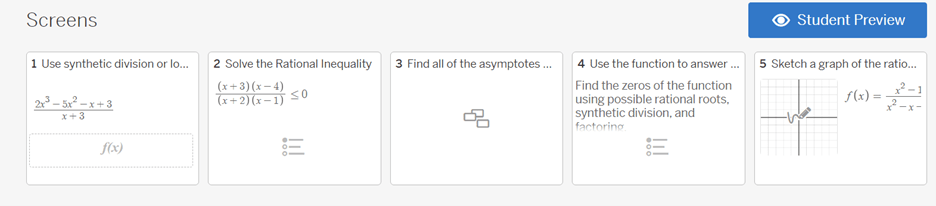
Desmos is a user-friendly graphing calculator for students to use in class and also can be accessed from their phones – so they can use it anywhere they decide to complete their homework from. Not only is the calculator a great tool, but the classroom activities are also really fun and engaging for students. My students love the polygraph activity. This is like a guess who game but with math topics! There are also fun exploratory activities such as marbleslides or Transformers. There is also the option to make your own activity, or edit someone else’s. Here are some examples:

Nearpod.com
I teach a financial literacy course which is a little bit different from your typical math course. There are a lot of articles, discussions, and videos. I hate using a regular powerpoint because I feel like it doesn’t engage students at the level that I want. With Nearpod presentations you are able to have students log into your presentation and interact with certain slides. They can post on common board pages to answer questions, answer quiz questions that you have specifically set up, and can open videos and articles that you have selected. The best part is that you control the speed of the presentation. Students cannot move ahead to a new slide until you move in the presentation. One positive of having a pro account is allowing it to be “student paced” when you are out for the day. You can click the button that doesn’t allow students to skip slides as well.


Quizizz.com
I like this as a quick review before assessments. The students love when they get on a roll and get a power up or an opportunity to slow down their competition. I do not put full math questions in the quizizz reviews that I make, rather important concepts for them to understand. For example:
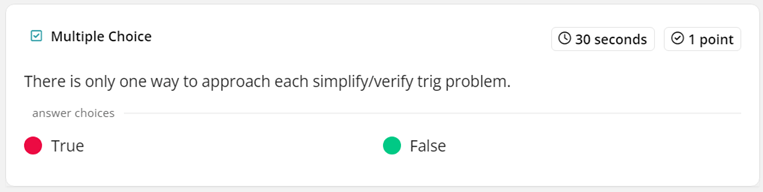

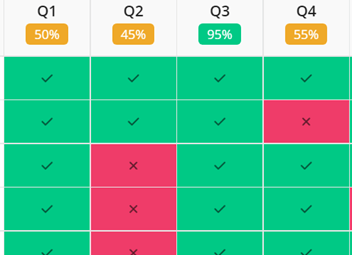
After the quizizz it shows you what percent of the students got each question correct and then I take that opportunity to cover over the concepts that the percentages are in the red zone.
Remind.com
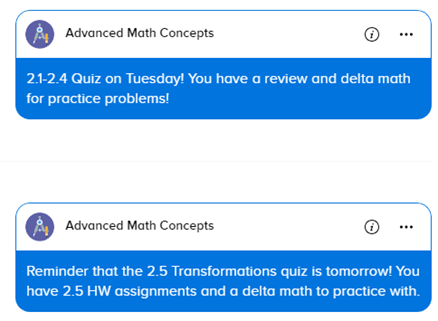
I use remind to remind students to get their syllabus signed or send messages the night before an assessment. It also gives students the opportunity to reach out to me without having to use an email. It is a great substitute to text and you don’t have to give our your phone number. I always set office hours so students know that I might not reply if they message me outside of a given time period. Parents can also sign up for my remind and message me as well!
DeltaMath.com
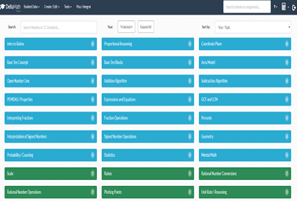
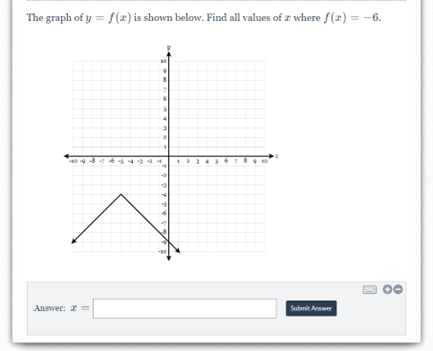
This is an amazing free resource for math classrooms everywhere! Especially if you have students who frequently ask for extra practice. Delta math has a massive catalog of various types of math problems. It also gives students the option to see a similar problem, completely worked out to help students if they are at a loss. They have so many questions and completely randomize the ones they assign to students – which means students cannot simply copy off of another student.
Canva.com
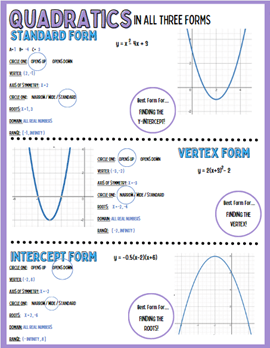
I LOVE CANVA. Canva has been a great place to go for design help regarding posters for the classroom or pictures for my activities. My only downside to using canva is that they currently do not support math type. This means I can’t type equations straight into Canva, I would need to type it somewhere else, save it as a picture and upload it to Canva. Because of this I don’t use Canva to make my worksheets or homework assignments. Outside of this, I love to use this for classroom decor, team building activities, or activity elements.


 Ms. Pi 4 Ever